
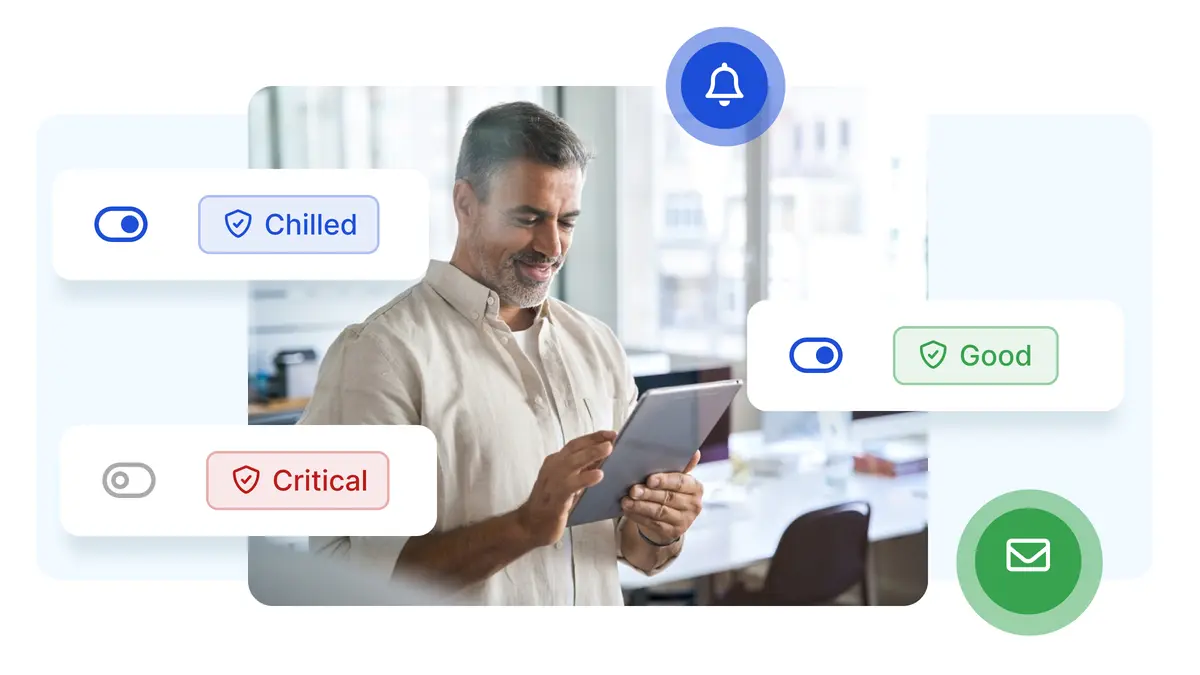
Status Change Alerts
Get notified when certificates change status throughout their lifecycle. We automatically scan your certificates multiple times per day to detect renewals, expirations, and status changes. Need up-to-the-second data? Trigger a manual scan anytime from your dashboard to get instant status updates and alerts.
Key Benefits
- Confidence your auto-renewals succeeded. No more guessing or assuming.
- Track certificates after expiry for compliance
- Smart deduplication prevents alert spam
- Complete lifecycle visibility, not just expiry
Complete SSL Certificate Lifecycle Monitoring
We alert on all status changes throughout the SSL certificate lifespan progression, and you can choose which ones are important to you.
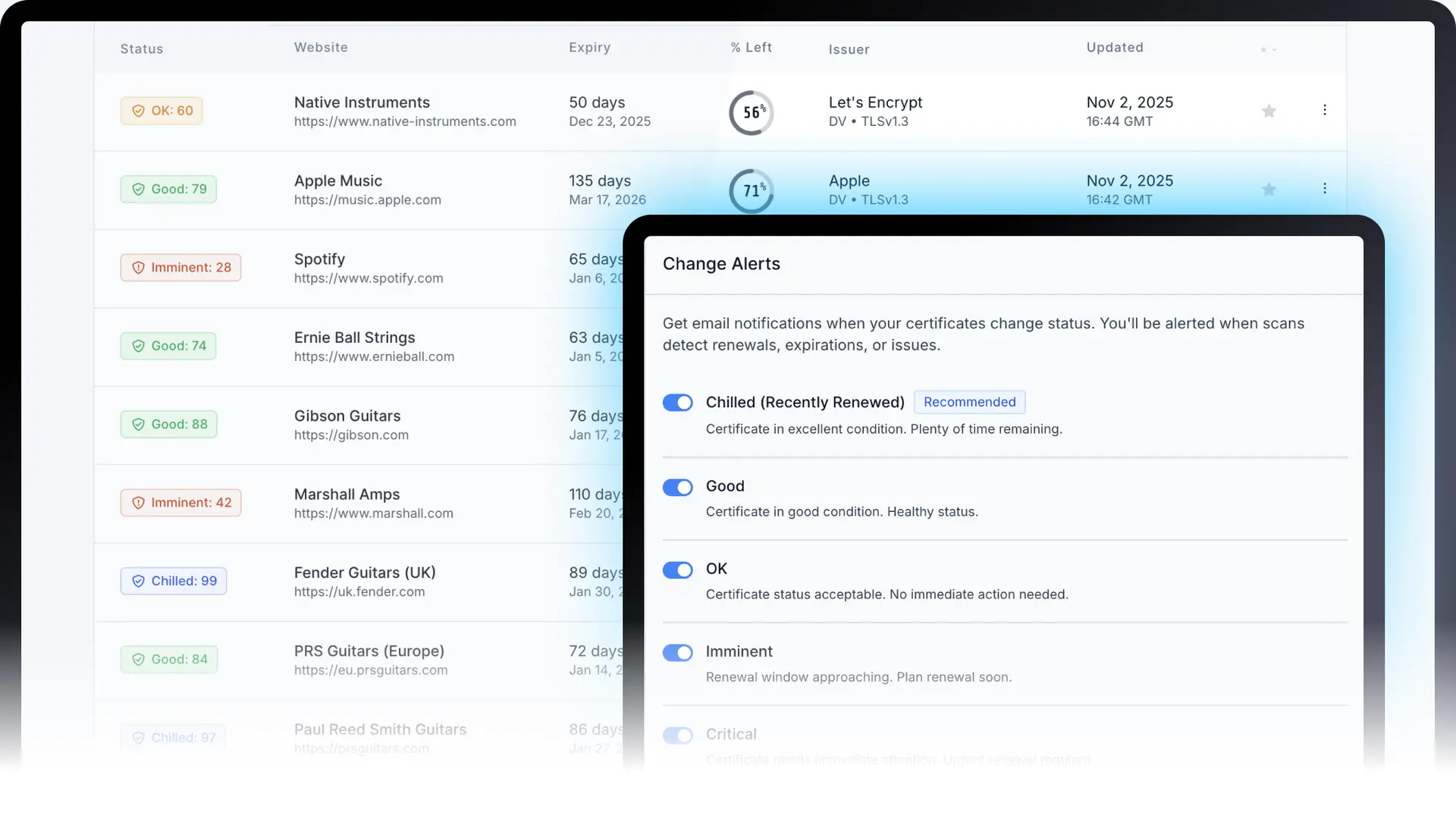
Available Certificate Statuses
Track your SSL certificates from renewal (Chilled) through expiration as they age through their lifecycle. We recommend enabling at least Chilled (Recently Renewed) to confirm successful renewals and Expired for immediate security incident awareness. For proactive management, consider also enabling Imminent and Critical to catch issues before they become urgent.
Certificate Lifecycle Progression
Chilled (Recently Renewed)
RecommendedCertificate in excellent condition. Plenty of time remaining.
Use case: Confirm your automation is working. Peace of mind that renewals succeeded.
Good
Certificate in good condition. Healthy status.
Use case: Monitor certificates entering their healthy state after installation.
OK
Certificate status acceptable. No immediate action needed.
Use case: Early awareness that renewal time is approaching.
Imminent
Renewal window approaching. Plan renewal soon.
Use case: Important warning before reaching critical status. Time to prioritize renewal.
Critical
Certificate needs immediate attention. Urgent renewal required.
Use case: Last chance to renew before expiration. Emergency escalation.
Expired
RecommendedCertificate has expired. Renew immediately.
Use case: Immediate notification that a certificate has expired. Critical for compliance and security response tracking.
Other Status Alerts
These statuses are not part of the natural lifecycle progression but indicate issues that need attention.
Failing
Unable to verify certificate. Check configuration.
Use case: Get notified early when configuration or connectivity issues are detected, so you can fix them before they impact users.
Unknown
Status could not be determined. Verify domain accessibility.
Use case: Stay informed when automated verification needs a second look, ensuring nothing falls through the cracks.
Beyond Expiry: The Alerts Most Platforms Miss
Most SSL monitoring tools stop watching the moment a certificate expires. But that's often when the real damage begins.
If you care about avoiding expiry, you should care even more about expiry that goes unnoticed. That's why Chill SSL offers continuous monitoring: we keep watching when everyone else stops.
Why Our Alerts Don't Stop at Expiry
Traditional SSL Alerts
Alerts stop at expiry
Chill SSL
Alerts continue until recovery
Traditional SSL Alerts
Awareness ends when the problem begins
Chill SSL
Visibility continues (non-spammy reminders)
Traditional SSL Alerts
Risk of silent failure
Chill SSL
You'll know before your customers do
Pre-expiry alerts prevent problems. Post-expiry alerts prove you caught them.
How It Works

Regular Scanning
We scan your certificates multiple times daily, checking their current status and comparing to previous scans. Real-time updates can be triggered from your dashboard's manual scan function.
Status Change Detection
When a certificate's status changes (e.g., Good → Expired or any status → Chilled), we detect it immediately. You can also trigger email alerts for Failing and Unknown statuses.
Smart Notification
If you have a Status Alert enabled in your settings for that particular status, we send an email alert. Smart deduplication prevents spam.
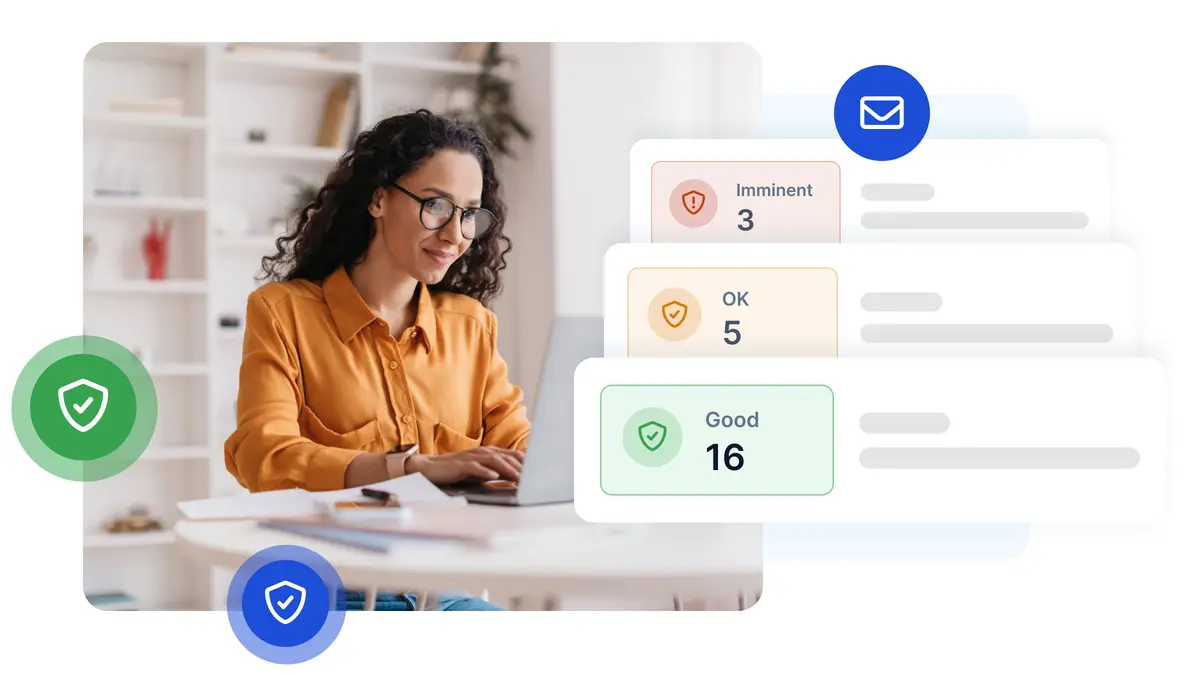
What Status Change Alert Emails Look Like

Frequently Asked Questions About Status Change Alerts
Get answers to common questions about monitoring SSL certificate status changes.
Related SSL resources
SSL troubleshooting guides
SSL glossary
SSL reminders & notifications
Monitor Your SSL Certificate Lifecycle
Enable status change alerts and get confirmation when renewals succeed, not just warnings when they fail.